Connect to the strongest WiFi signal with this app
AutoAP is an application that helps you connect to the strongest WiFi signal in your area. This script continuously scans for open WiFi connections, test them for validity, and connects your device to the strongest signal. Not only that, but it also maintains a continuous connection to the internet in a mobile or portable environment. The software is highly configurable. It even allows you to configure secure connections.
Top Recommended Alternative
Installation and usage
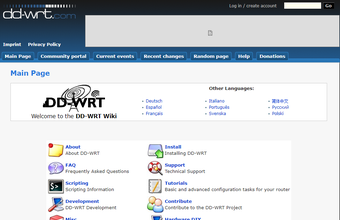
AutoAP is an add-on to DD-WRT that allows routers to continuously scan for and connect to open—and pre-defined WEP—wireless networks. Typically, one uses this script on their router in Repeater Mode, Client Mode, or Client-Bridged Mode. Before you start using the program, you must set up your router in one of these modes. It is also recommended to know how to flash your device and use the web interface.
There are several ways to install the app. If you want to use it with any image or build, you can dynamically download it. It clears wl_ssid to dynamically connect to any open AP and then tries to download a stand-alone script every 30 seconds. You can also download the firmware image with the script built-in and flash your router to the firmware. With this, you can have the app built into an image. Users also have the option to use JFFS and Samba to directly call the AutoAP script.
As noted, AutoAP is a highly configurable script. You can change its behavior by setting NVRAM variables. For one, you can set it to prefer a certain wep-encrypted network before trying out other connections. With this, the app will only try other APs if your preferred one is not available or has no internet connectivity. The script allows you to give more than one preferred AP, even with unencrypted, open access points.
Get the most stable connection
All in all, AutoAP is a handy tool to have if you wish to have a stable internet connection every time. The app works to make sure that your device connects to the strongest connection in your area. It offers various installations and even allows you to configure its setup. Note, however, that it is still under development, so there will be some bug issues that you might encounter. Not only that but using it might be a bit confusing to computer network novices.